
Network architecture for businesses
We design the infrastructure everything else runs on: LAN, WAN and campus networks, from a single site to multiple buildings and data centres. And we migrate it without stopping your business.
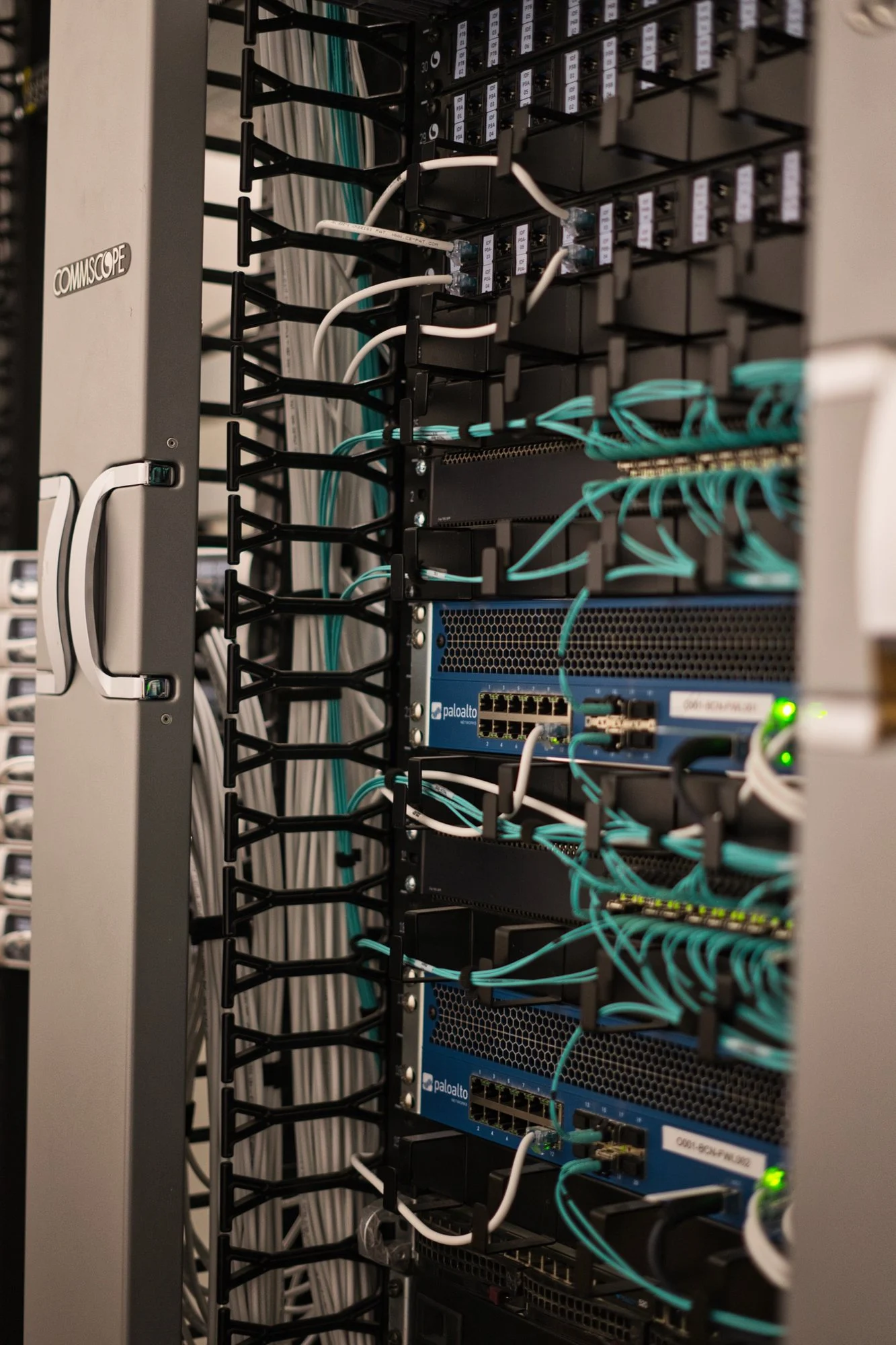
We design in layers
- WAN
- Firewall
- Core
- Distribution
- Access
- Wi-Fi
- Endpoint
- Routing
- VLAN
- QoS
- HA
- SD-WAN
- VPN
- LACP
- STP
- 802.1X
- SNMP
Diagnosis
Networks that work… until they don’t
Most network problems come from an architecture nobody designed: it just grew.
What we find
What we do
The network grew piecemeal and nobody has the diagram
We audit the physical and logical topology and leave it documented.
Daisy-chained switches: if one fails, everything behind it goes
Star topology, with redundant links and LACP aggregation.
One flat network for everything
802.1Q VLANs and inter-VLAN routing: every environment on its own segment.
Video calls drop when there’s traffic
QoS to prioritise voice, video and critical applications.
Sites that can’t see each other
VPN, SD-WAN or site-to-site fibre links between offices.
A single internet carrier
Multi-WAN with 5G or Starlink backup and automatic failover.
What we do
The network that supports everything else
A network that grew piecemeal ends up failing where nobody looks. We redesign it with engineering discipline and leave it documented.
Audit
Physical and logical topology, equipment, cabling and configurations: the real state before we touch anything.
L2/L3 switching
802.1Q VLANs, trunks, inter-VLAN routing, STP/RSTP and LACP aggregation.
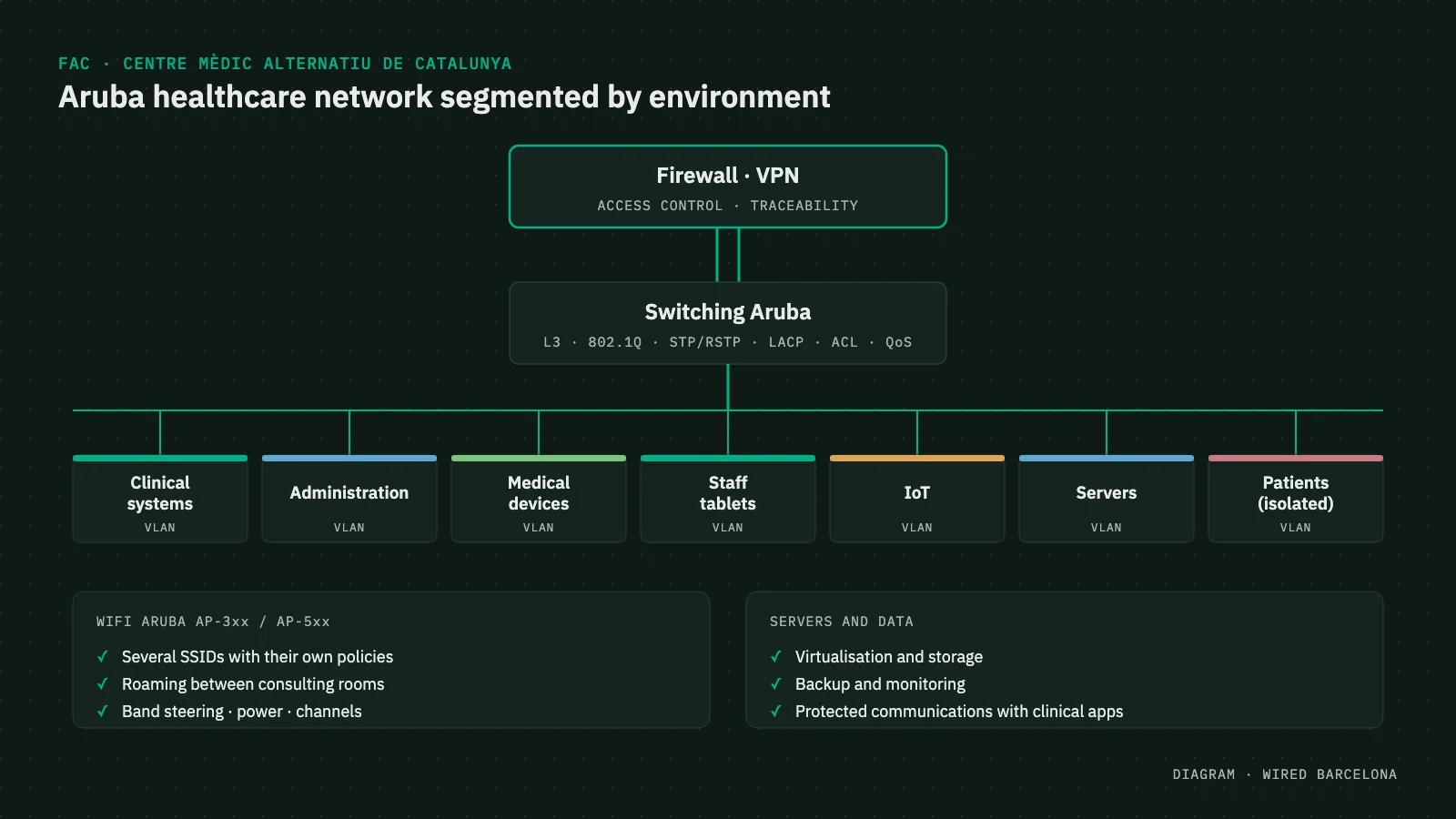
Segmentation
Separate networks for users, servers, infrastructure, IoT and guests, with ACLs between them.
QoS
Priority for what can’t wait: voice, video conferencing or real-time video.
Site interconnection
Site-to-site fibre links, VPN and SD-WAN between offices.
Redundant internet
Multi-WAN with fibre, Starlink and 5G, and automatic failover if the carrier goes down.
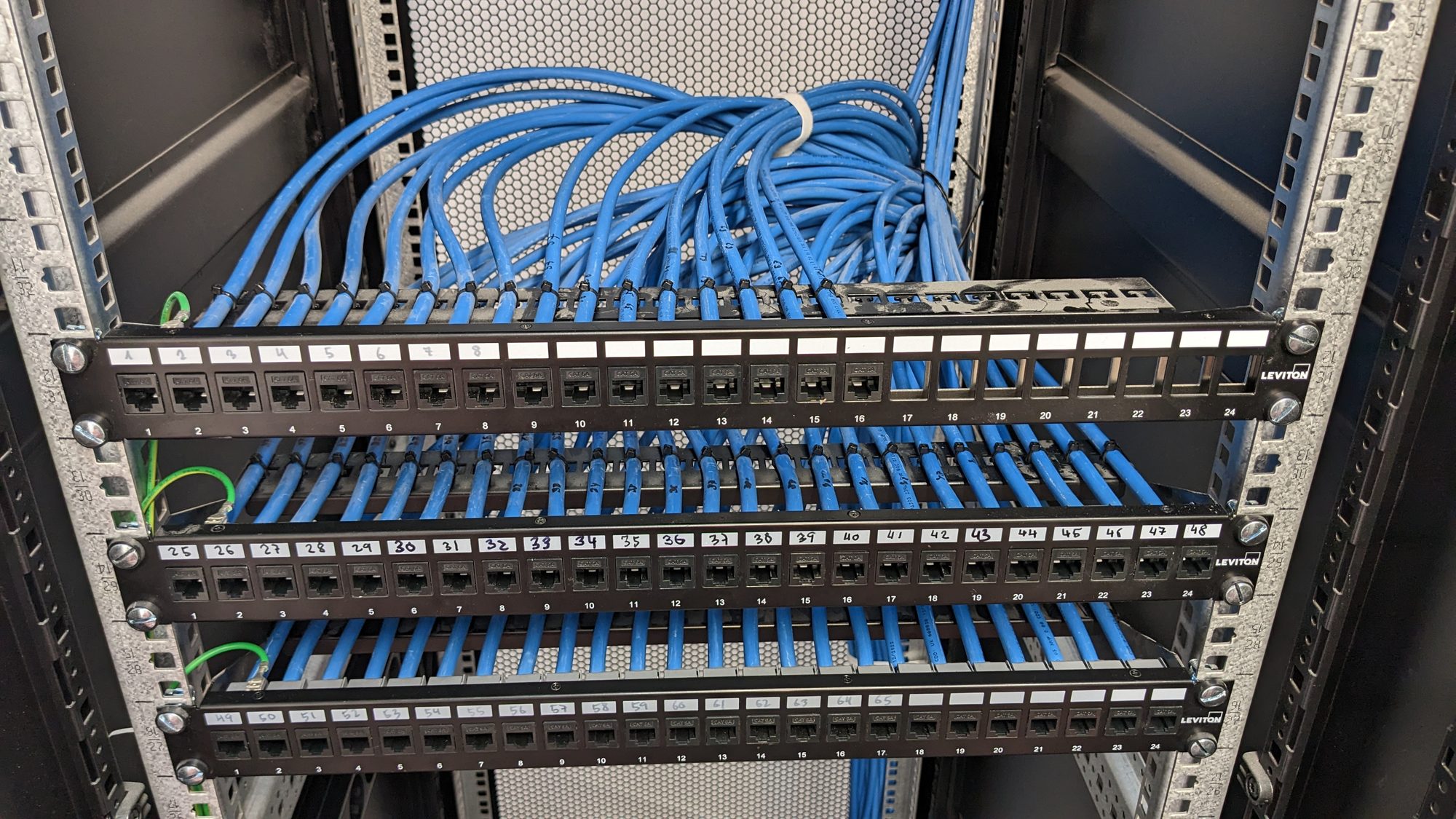
High availability
Designed for when something fails
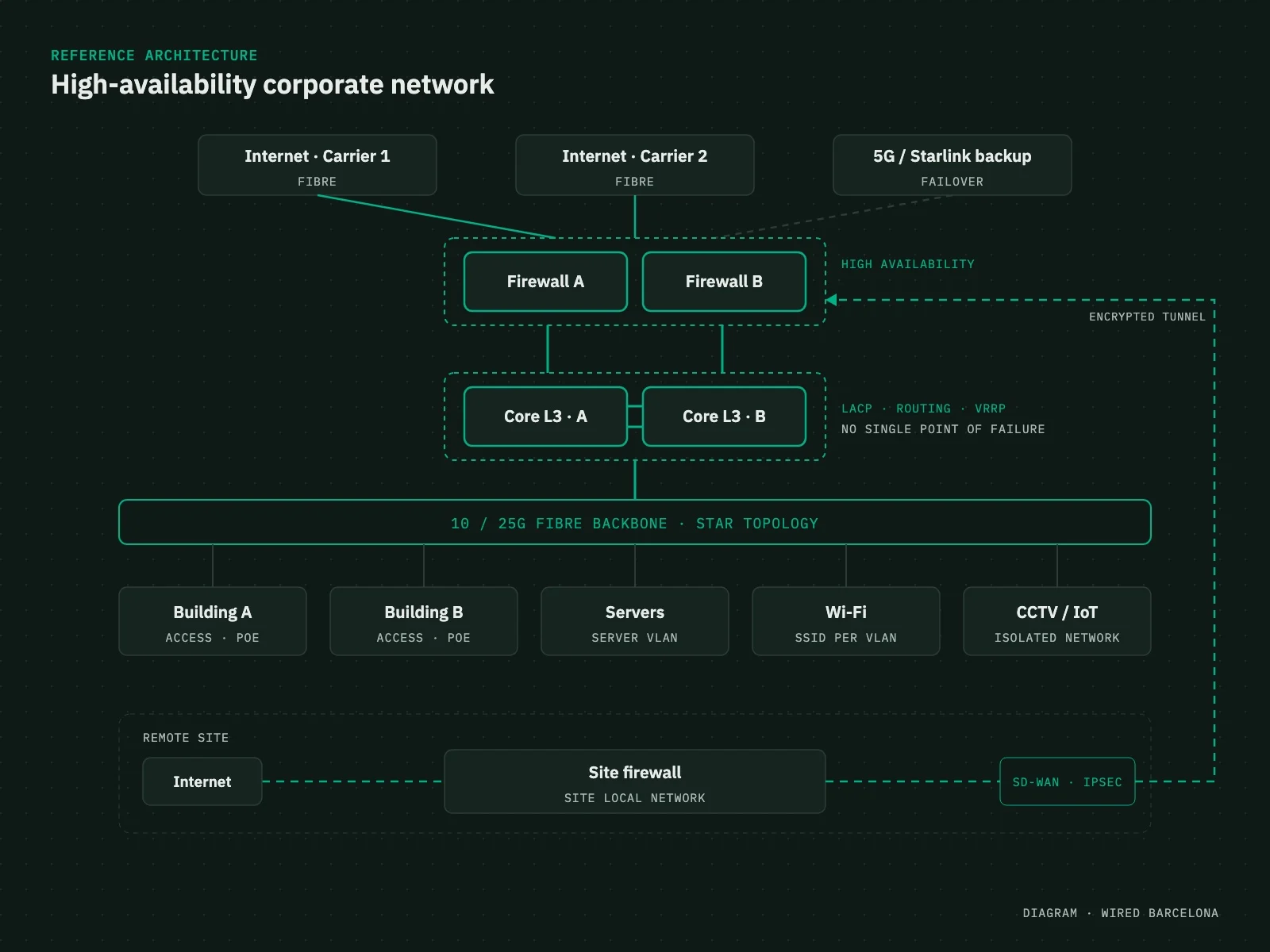
The goal isn’t just to have redundancy, but to control how the whole infrastructure responds when a link, a device or a carrier disappears.
- Redundant core and switching
- LACP-aggregated links and alternative paths
- High-availability firewalls
- Dual internet carriers and Multi-WAN
- Automatic failover over fibre, 5G or Starlink
- Star fibre backbone to the core, no daisy chains between racks
In detail
How we solve it
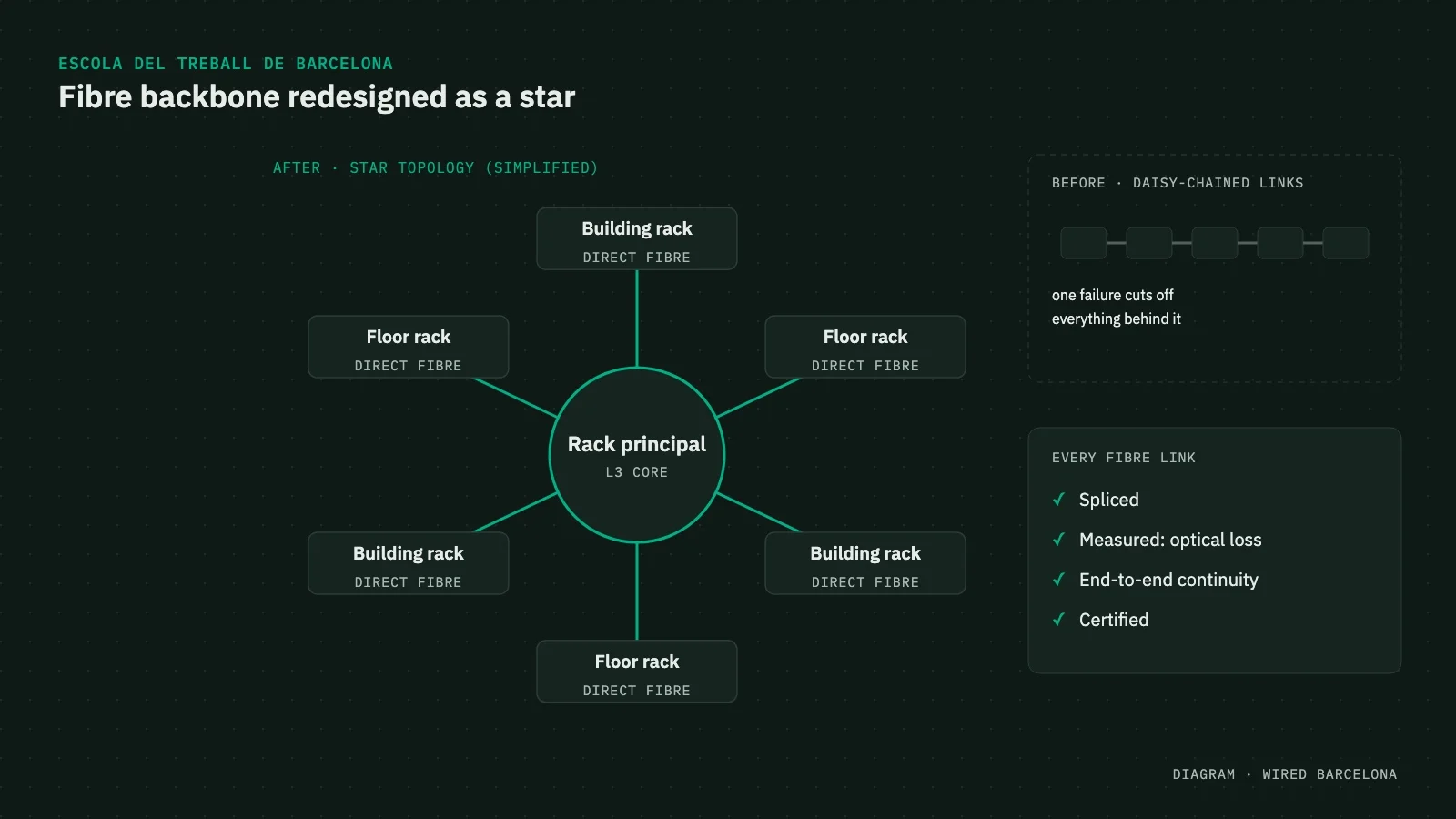
Topology
From daisy chain to star
At the Escola del Treball we redesigned the backbone with new fibre links between racks and buildings: each one connected straight to the core, with no dependencies.
- Spliced and certified links
- New L2/L3 switching
- Racks and links documented
Switching and routing
Configurations that go beyond plugging in
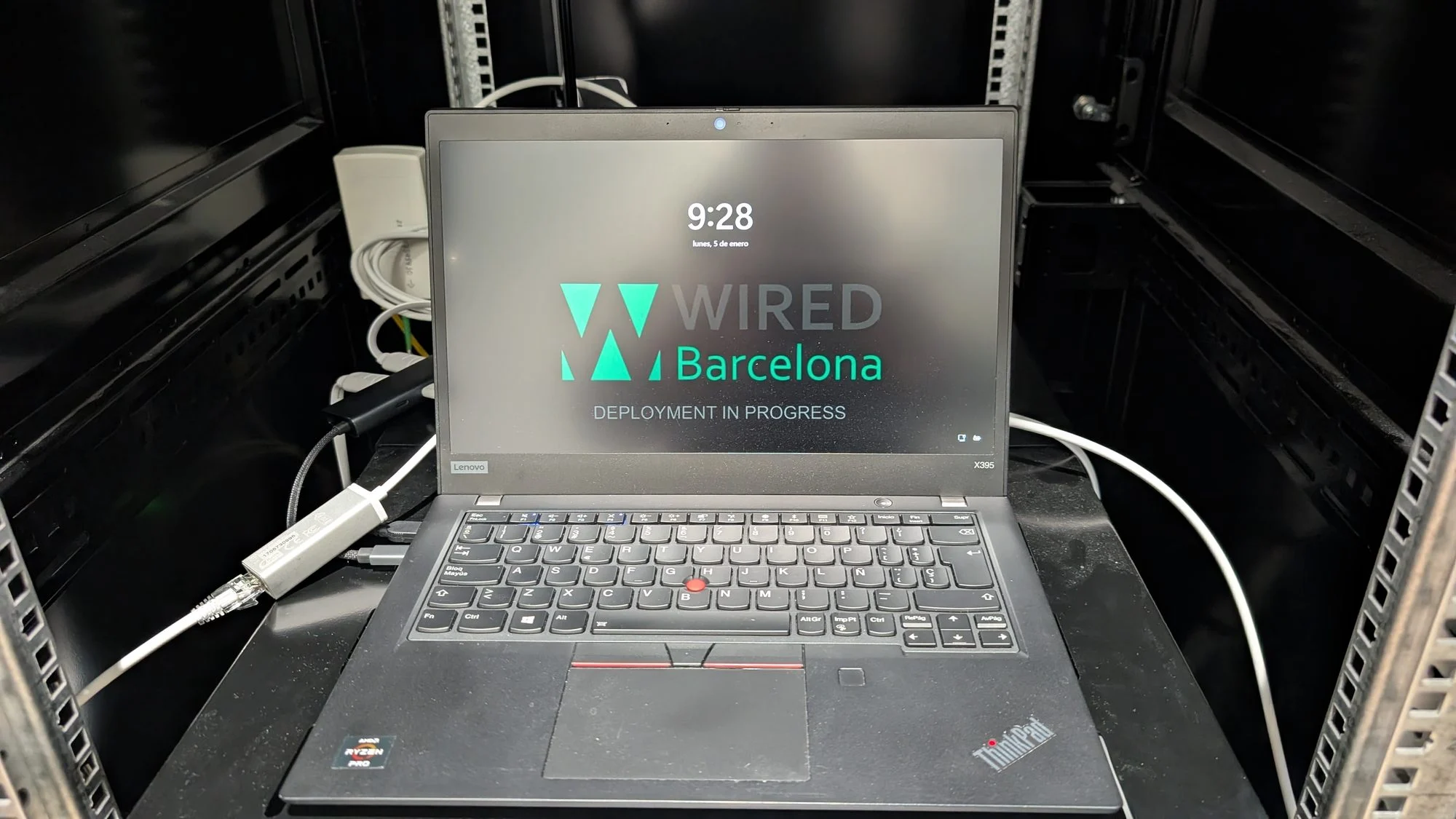
Configuration is what makes a network stable, secure and easy to extend. It’s where the difference between installing and designing shows most.
- 802.1Q VLANs, trunks and inter-VLAN routing
- STP/RSTP and LACP aggregation
- ACLs and QoS
- DHCP and addressing
Migration
Changing the network without stopping the business
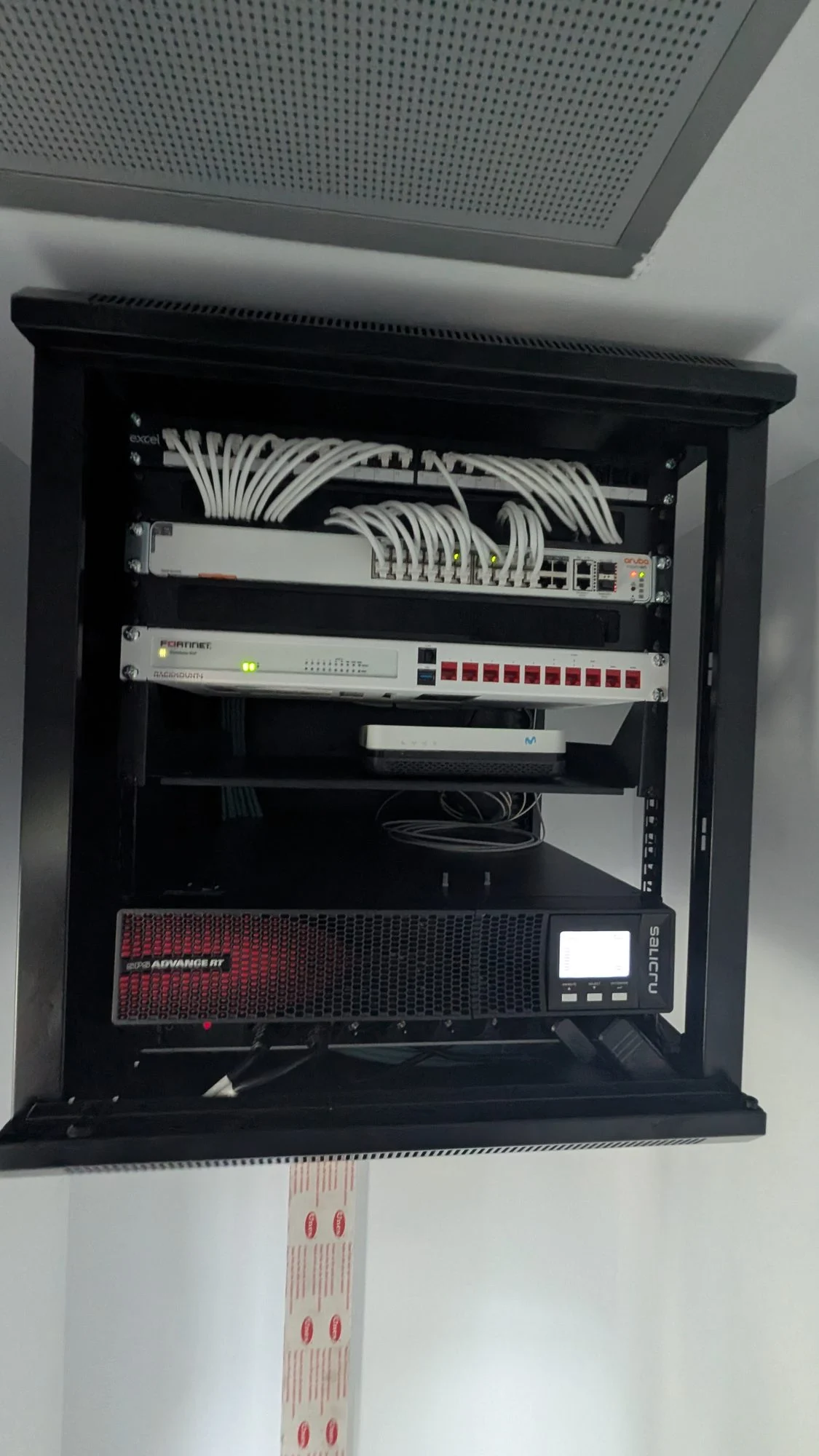
We migrate in phases on the live network, with layer 2 and 3, routing, DNS and DHCP testing before signing off each step. That’s how we did it at Boldtic.
- Windows agreed with you
- Testing at every phase
- Documentation at the end
Before signing off each phase, we validate in order:
- Layer 1
- Layer 2
- Layer 3
- DHCP
- DNS
- Routing
- Internet
- Services
With agreed change windows, a rollback procedure and acceptance tests.
Case study
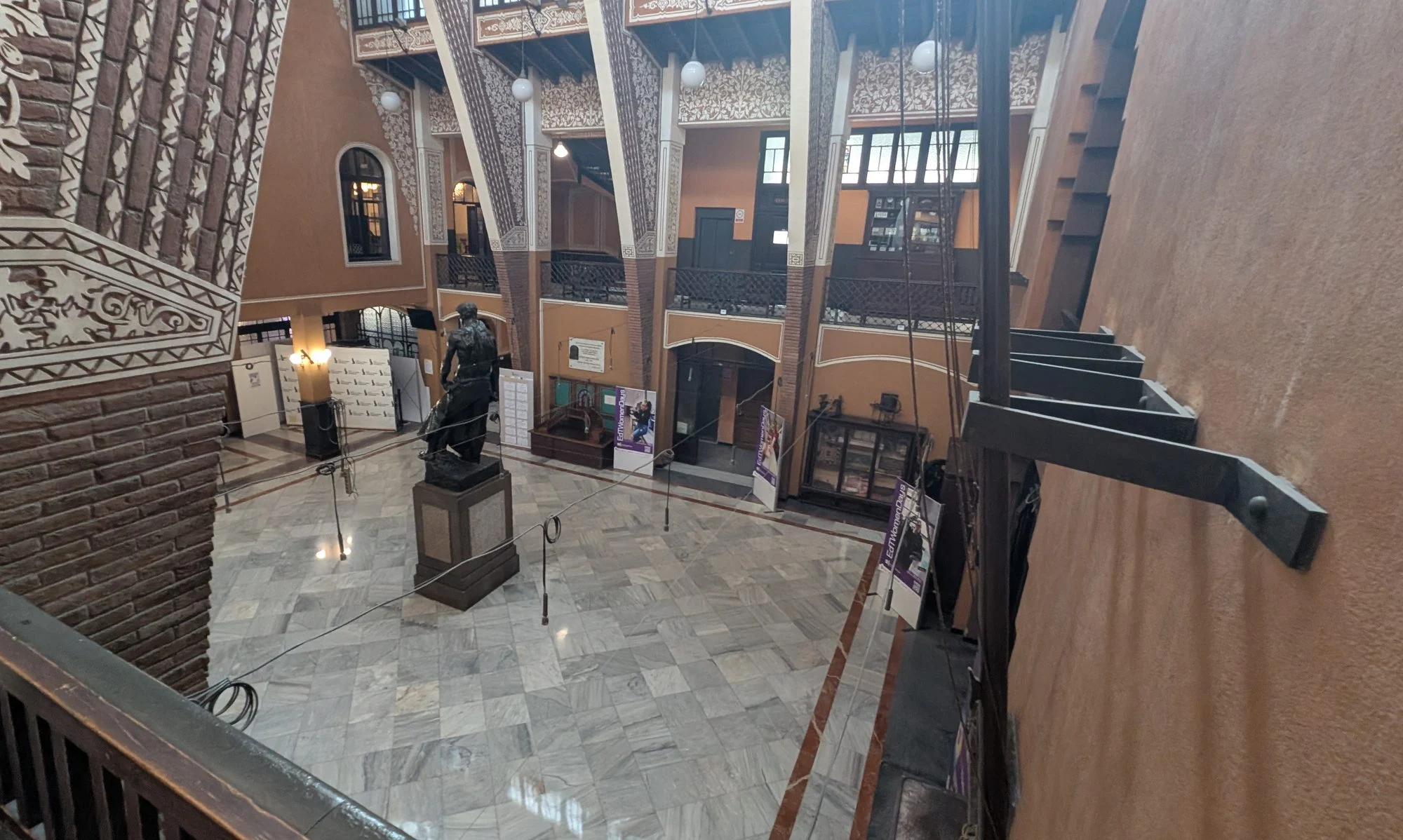
Escola del Treball: a new backbone and a fully renewed network
Full audit, new star fibre links between racks and buildings, all equipment replaced, and segmentation and security between the school’s networks.
Backbone
Star fibre
Links
Certified
Equipment
100% replaced
Switching
L2 / L3
What you get
The network, in writing
A network project doesn’t end when the devices answer ping: we leave it documented so it can be maintained and extended.
- Physical topology: racks, switches, links and backbone
- Logical topology: VLANs, subnets, routing and communications
- Addressing plan: subnets, gateways, DHCP and reservations
- Switching: ports, trunks, VLANs, aggregations and uplinks
- Fibre and cabling: origin, destination, identification and certification
- Configurations and backups of the devices
- Migration and validation plan: changes, tests and final state
After the project
A network we can also run
From our NOC we monitor switches, routers, firewalls, access points, servers, WAN links and site-to-site connectivity: availability, traffic, errors, latency, packet loss, CPU, memory, temperature and PoE. From reactive to proactive management.
Projects
Networks we’ve redesigned
Featured case · Real-time video
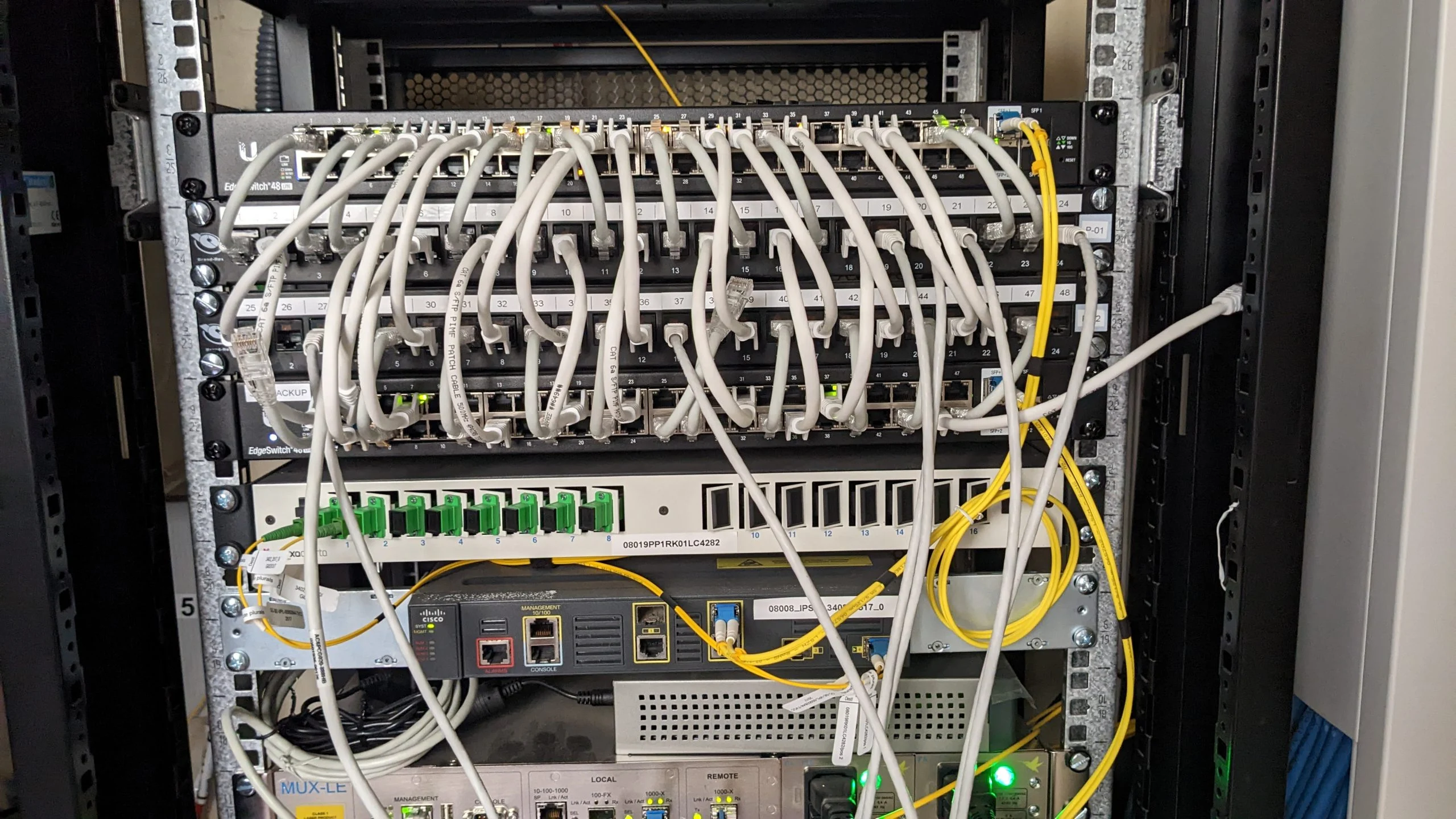
En Directe Plurals: a network for ultra-low-latency video
They provide live subtitles for regional and national broadcasters from video streams arriving in real time from the broadcasters’ premises: every millisecond of latency delays the subtitles.
- Site-to-site fibre with the broadcasters, two links with the CCMA
- QoS prioritising video traffic
- Advanced segmentation without penalising AV flows
- End-to-end testing: throughput, latency, jitter and loss
- Infrastructure we still run today
FAQ
Can you change the network without stopping the business?
Yes. We plan the migration in phases and carry it out on the live environment, with layer 2 and 3, routing, DNS and DHCP testing before signing off each step. That’s how we did it at Boldtic and at CAP El Maresme.
Which vendors do you work with?
Cisco, HPE Aruba Networking, Fortinet, Palo Alto Networks, RUCKUS, Ubiquiti or CommScope, among others. We don’t design the network around a brand: we choose according to each project’s technical, financial and operational requirements.
Can you connect several sites?
Yes: with IPSec VPN, SD-WAN or site-to-site fibre links, like En Directe Plurals’ links with the CCMA.
Do you provide network documentation?
Yes: topology, addressing, VLANs, racks, patch panels and links, so anyone can maintain the network.
Self-assessment
Would your network survive a carrier outage?
WAN redundancy, power, documentation, cabling and out-of-support equipment: find your architecture’s weak spot in three minutes.
Related services