
Meeting rooms and video conferencing
We don’t just install cameras and screens: we design rooms where AV, communications and the network work as one complete system. Ready for Teams, Meet or Zoom from day one.
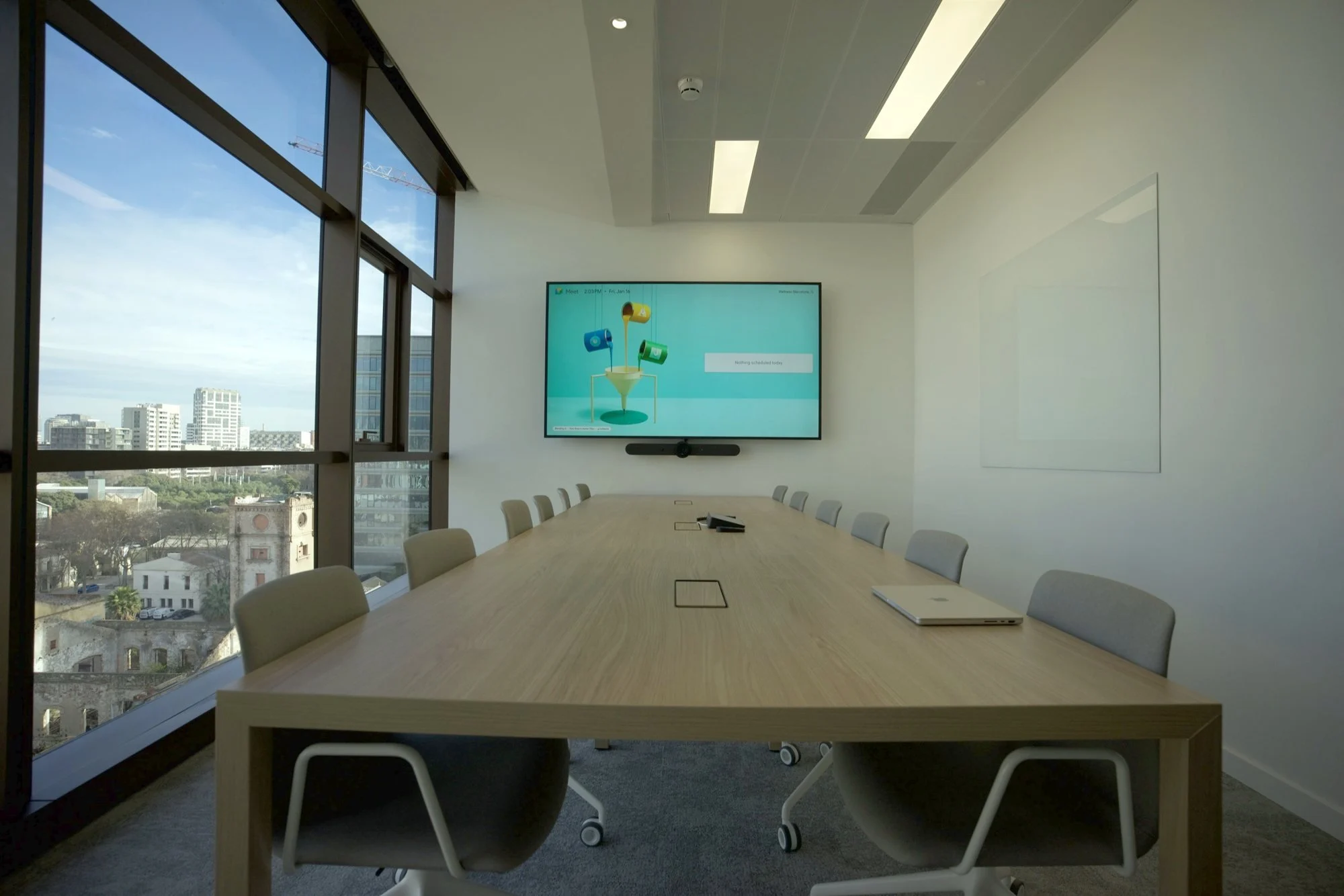
Diagnosis
Rooms fail because of integration, not the camera
What we find
What we do
Every meeting starts with ten minutes of cables
Rooms ready to start at the touch of a button.
Remote attendees can’t hear whoever’s at the back
Microphones and audio sized for each room.
The camera only shows half the team
Cameras chosen for the room’s size and shape.
The video call keeps dropping
A network ready for video: its own AV segment and QoS.
Rooms taken by surprise
Room booking with a panel at every door.
What we do
Rooms designed as a complete system
We integrate meeting and collaboration spaces where AV, communications and the network work as a single infrastructure, sized for the room’s size, acoustics, participants and use. The goal is simple: walk in, start the meeting and have everything work.
Video conferencing
Logitech systems for Teams, Meet or Zoom.
Camera and microphones
Cameras, microphones and audio sized for each room.
Professional displays
One or two displays depending on how the room is used.
Collaboration
Devices for screen sharing and group work.
Built into the network
A dedicated AV network and QoS so calls don’t drop.
Room booking
A panel at the door linked to the calendar.
We integrate
- Video conferencing
- Cameras
- Microphones
- Audio
- Professional displays
- Wireless presentation
- Room booking
- Control
- IP network
AV over IP infrastructure
A modern meeting room is part of the corporate network
We design the infrastructure that video conferencing, audio, video and collaboration systems need: switching, VLANs, PoE, bandwidth and QoS where the project requires it.
In larger installations we design AV-over-IP distribution and the interconnection between meeting rooms and conference spaces, integrated with the building’s network.
- Switching
- VLAN
- PoE
- Bandwidth
- QoS
- AV over IP
AV + networking + security, designed as one system.
In detail
How we solve it
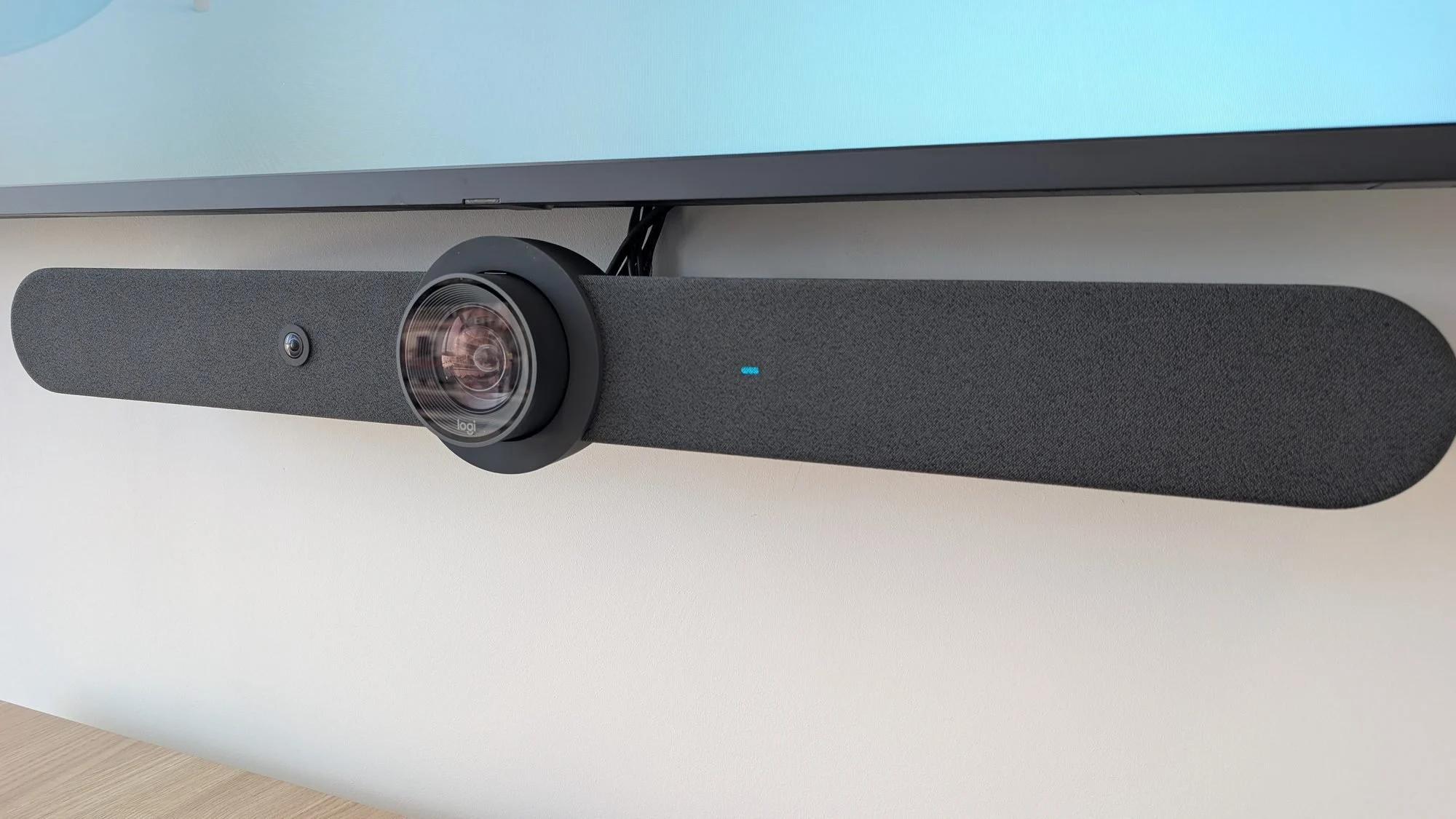
Video conferencing
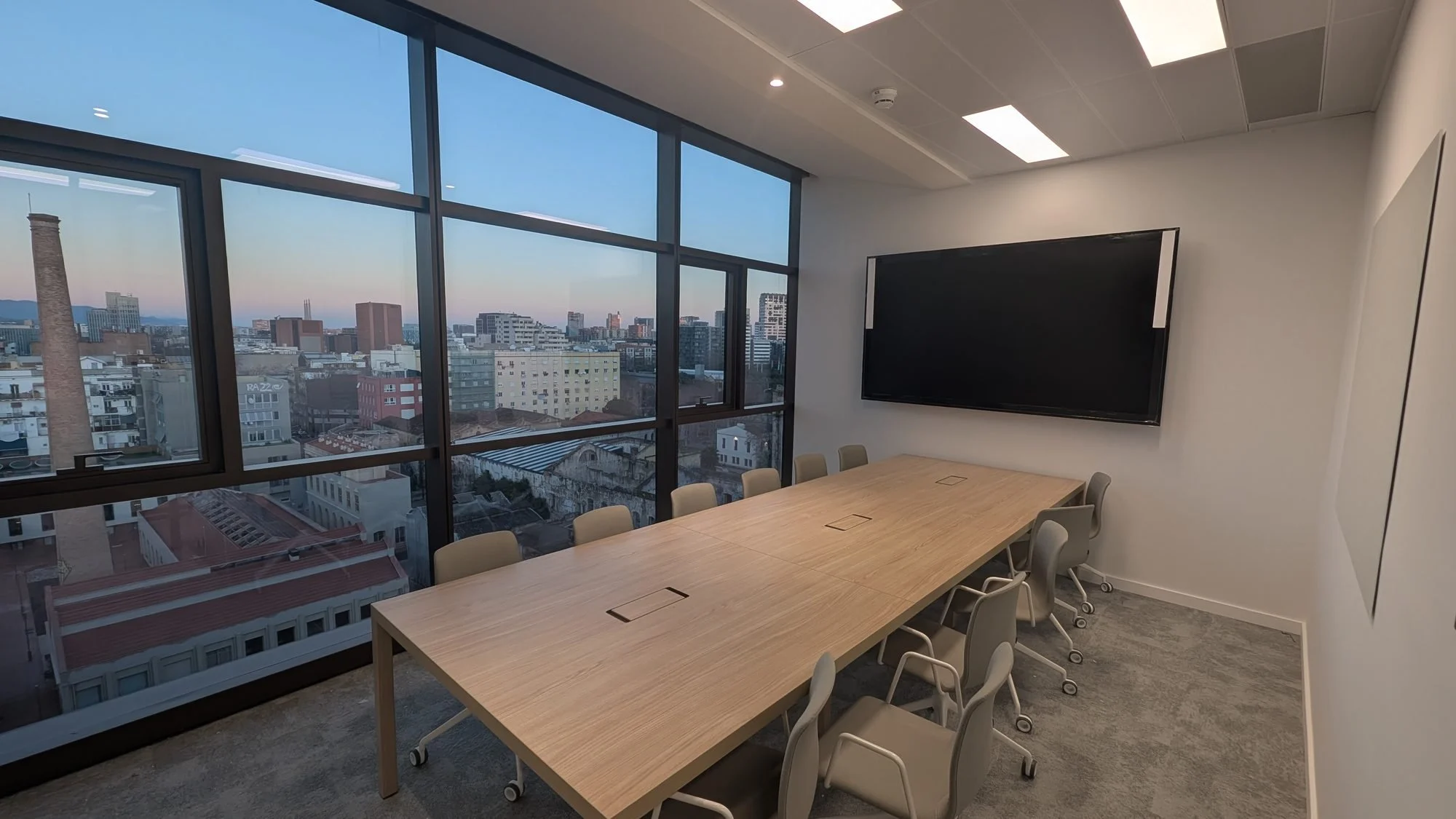
Logitech video conferencing in all 10 rooms of a corporate office
Camera, audio and professional displays integrated into the corporate network, with room booking at every door.
- 10 rooms equipped
- Professional displays
- Integrated room booking
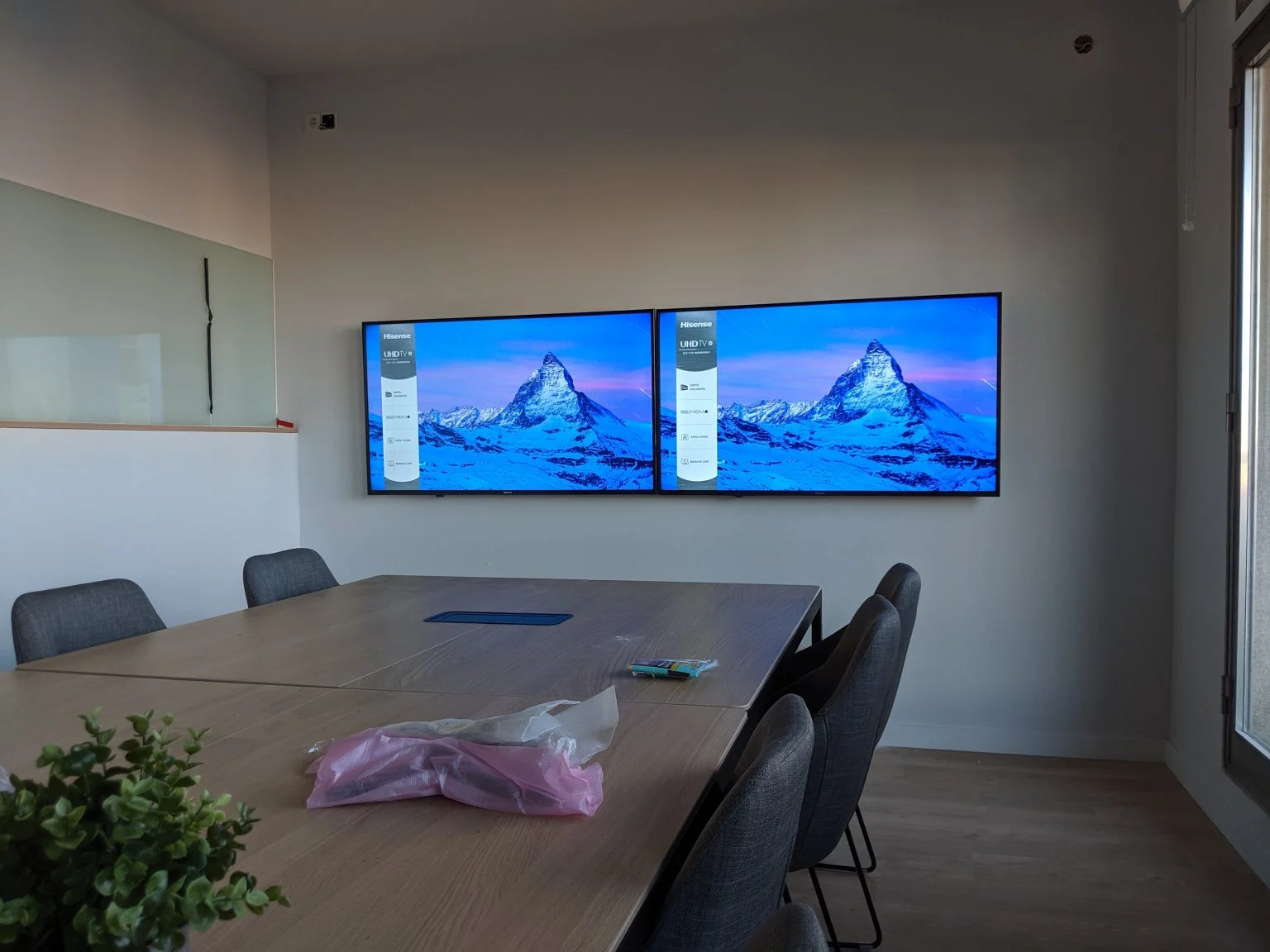
Rooms made to measure
From a meeting room to conference spaces
From huddle rooms and meeting rooms to boardrooms, training and conference rooms: we size cameras, lenses, microphones, speakers, displays and presentation for each space. With several rooms, we standardise the solution so the experience is the same throughout the building.
At Onebox we designed the rooms with video conferencing, professional displays, cameras, microphones and collaboration devices, all on the corporate IP network and tested end to end.
- Video conferencing and collaboration
- Audio and microphones
- Full testing
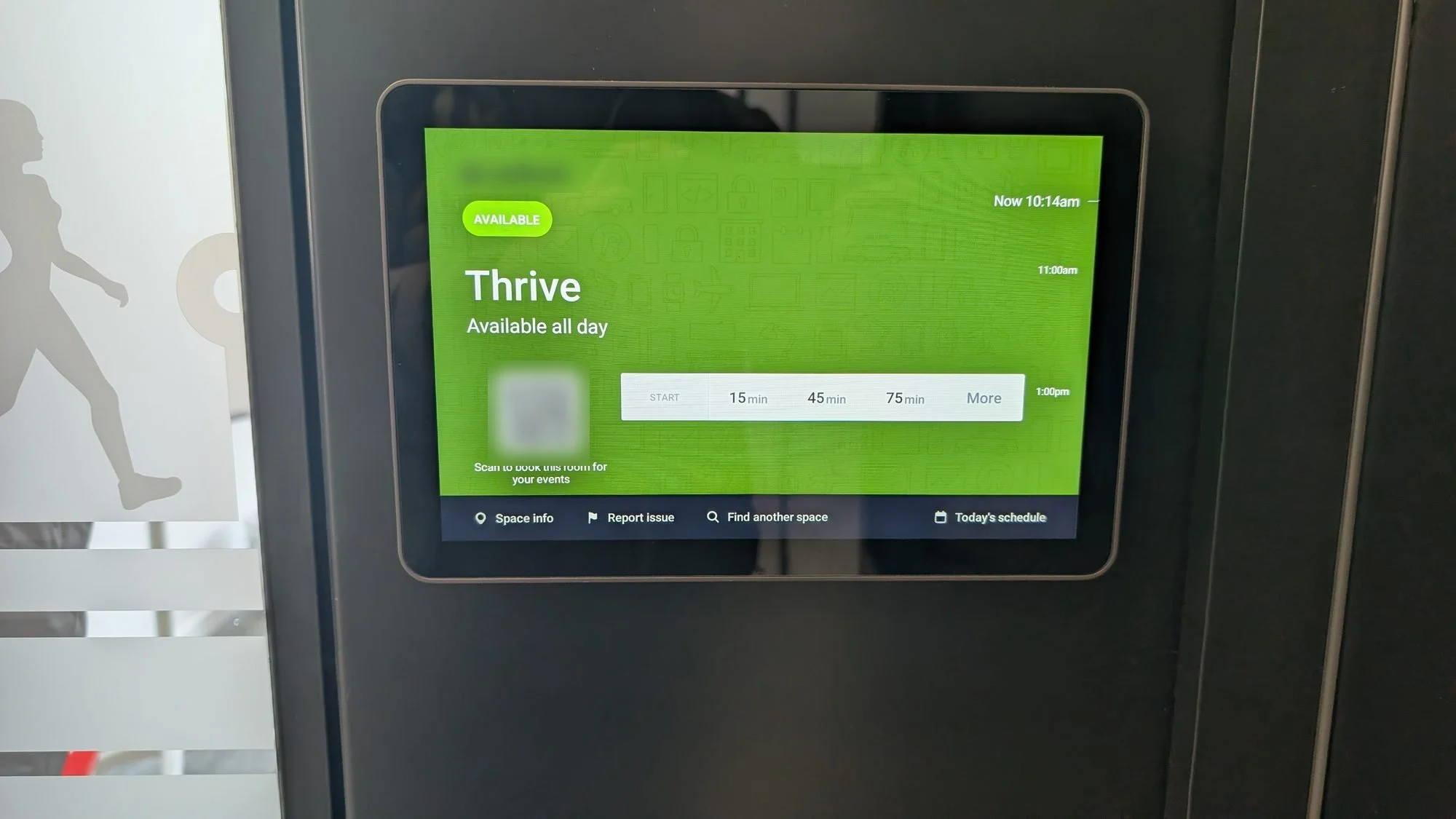
Booking
See if it’s free before you go in
Panels at the door linked to the company calendar: book from your phone or the panel itself.
Case study
Corporate offices: 10 rooms with Logitech video conferencing
Ten rooms equipped with Logitech video conferencing, professional displays and room booking, integrating video conferencing, AV and communications on the corporate network.
Rooms
10
Video conferencing
Logitech video conferencing
Booking
In every room
Network
Fortinet + Ruckus
Projects
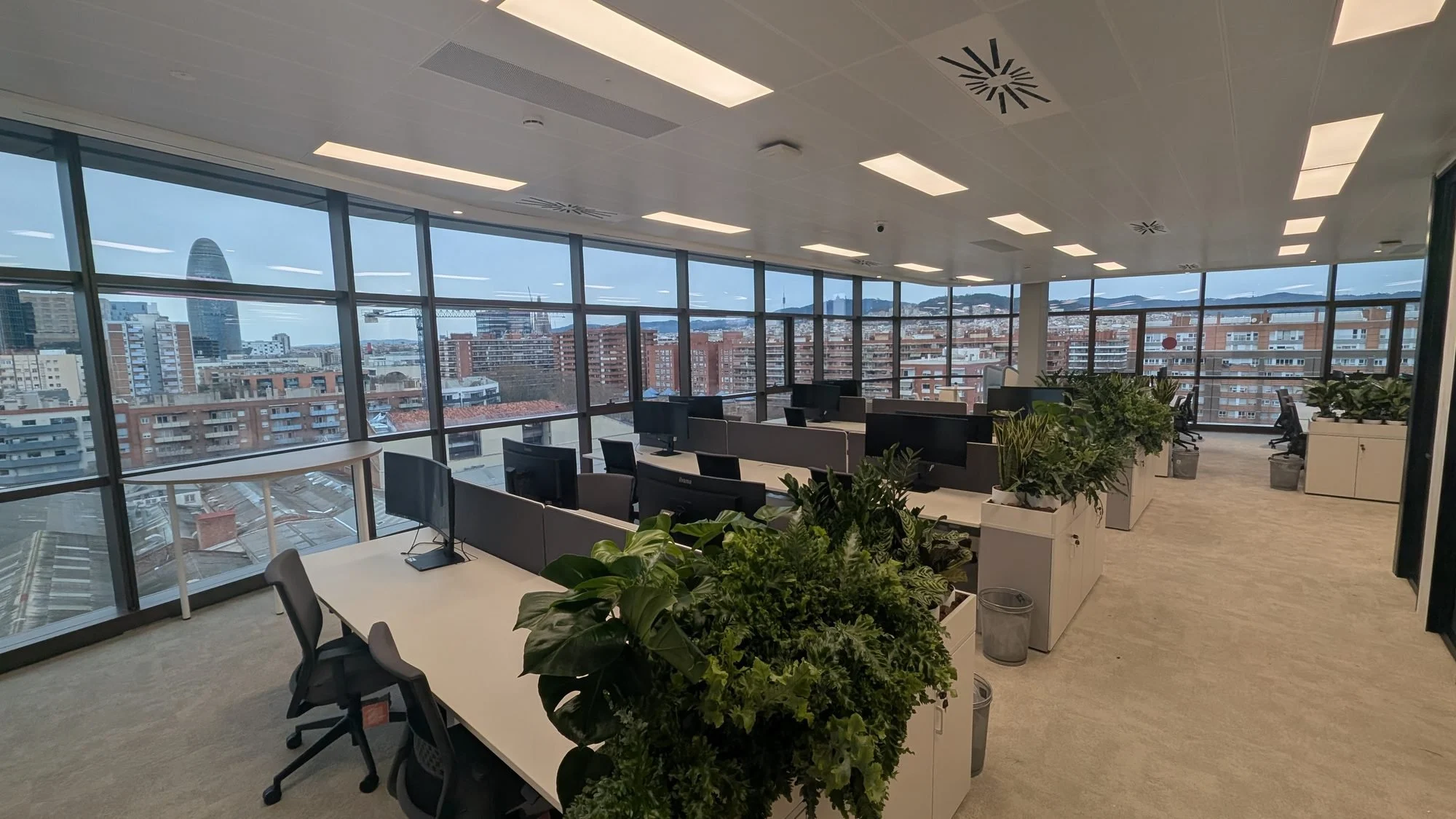
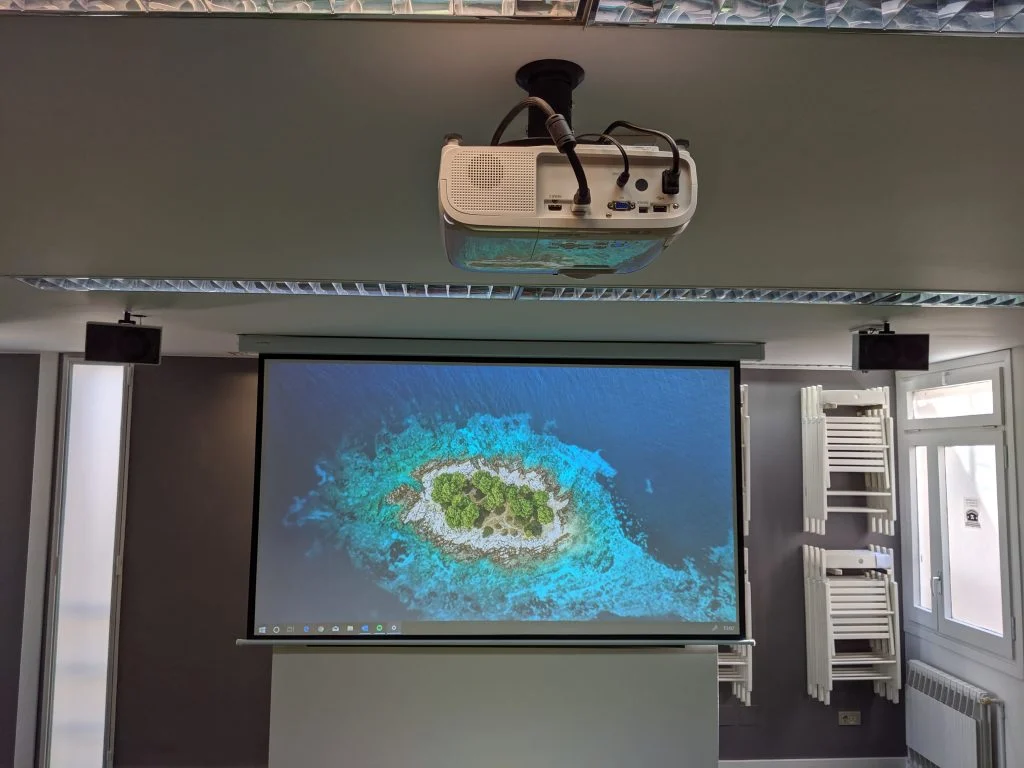
Rooms we’ve equipped
FAQ
Which platforms work?
Microsoft Teams, Google Meet and Zoom.
Do you also equip large rooms and conference spaces?
Yes: video and audio distribution, presentation systems and equipment for hybrid meetings and events, as at Onebox.
Does the network need changing?
It depends. We check the network can handle video and, if needed, separate AV traffic and prioritise it with QoS.
Tools
What does your room need?
People, dimensions and platform: the configurator proposes kit, microphones, display and network, and draws the room with its pickup zones.
Related services