
Cloud and hybrid infrastructure
The cloud doesn’t replace your infrastructure: it extends it. We design cloud, on-premises and hybrid infrastructure with network, security, identity, compute, storage and backup as a single architecture.
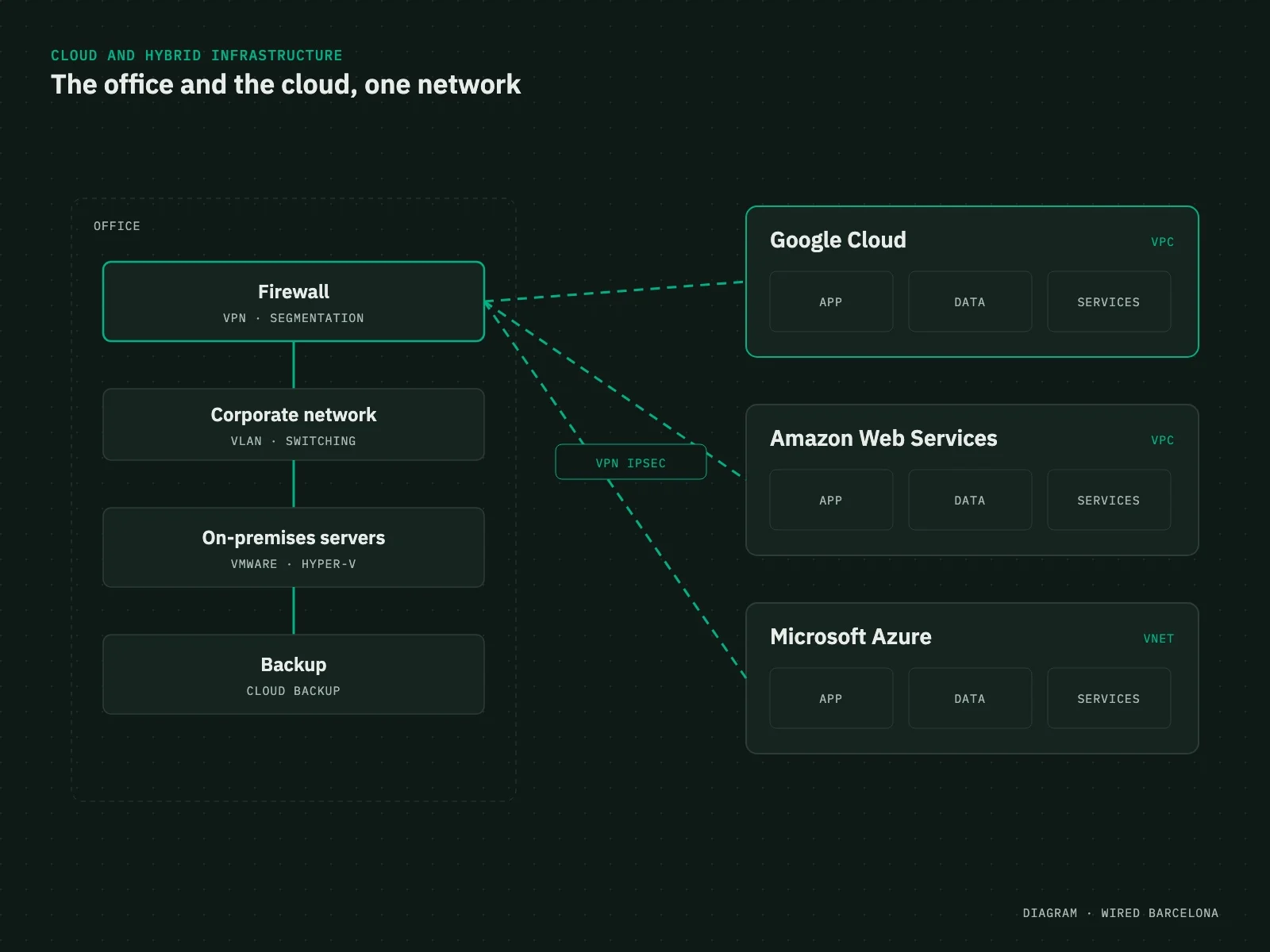
One infrastructure, wherever it runs
- Network
- Security
- Compute
- Storage
- Cloud
- Backup
- Monitoring
- VPC
- VNet
- Subnets
- NAT
- Security Groups
- Network ACL
- DNS
- IAM
- MFA
- Docker
- RPO / RTO
Diagnosis
The cloud is a network too
Moving services to the cloud doesn’t remove the network: it extends it. And it inherits its problems if nobody designs it.
What we find
What we do
Cloud services open to the internet
Segmented virtual networks (VPC and VNet), with firewall rules and private access.
The office and the cloud, connected any old way
Encrypted site-to-cloud VPN or a dedicated interconnect, designed together with the office network.
Cloud resources nobody knows the purpose of
A documented architecture, sized to real usage.
Old servers nobody dares to migrate
A migration planned in phases, with testing at every step.
Backups in the same place as the data
Cloud backup, off-site.
What we do
Cloud architecture, connected and secure
We choose the platform based on your applications, data and what you already have, and integrate it with your network.
Cloud architecture
Design on Google Cloud, AWS or Azure to suit what each application needs.
Hybrid connectivity
Site-to-cloud IPSec VPN and interconnection between the office, other sites and the cloud.
Secure virtual networks
Segmented VPCs and VNets, security groups and cloud firewalls.
Migration
From on-premises servers to the cloud, in phases and without stopping the business.
Virtualisation
VMware and Hyper-V for whatever makes sense to keep in the office.
Backup and continuity
Copies kept separate from the main infrastructure (local, cloud and external) and a strategy defined by RPO and RTO, with documented recovery procedures.
Containers and Docker
Applications and internal services deployed in containers, in the cloud or on-premises: reproducible environments that are easy to maintain and move.
Security and identity
Private resources wherever possible: Security Groups, segmentation, MFA, identity management and least-privilege permissions.
Infrastructure automation
Automated deployment, configuration, backups, monitoring and maintenance so every environment is consistent and repeatable.
Platforms



Network first
Without a good network, the cloud doesn’t work
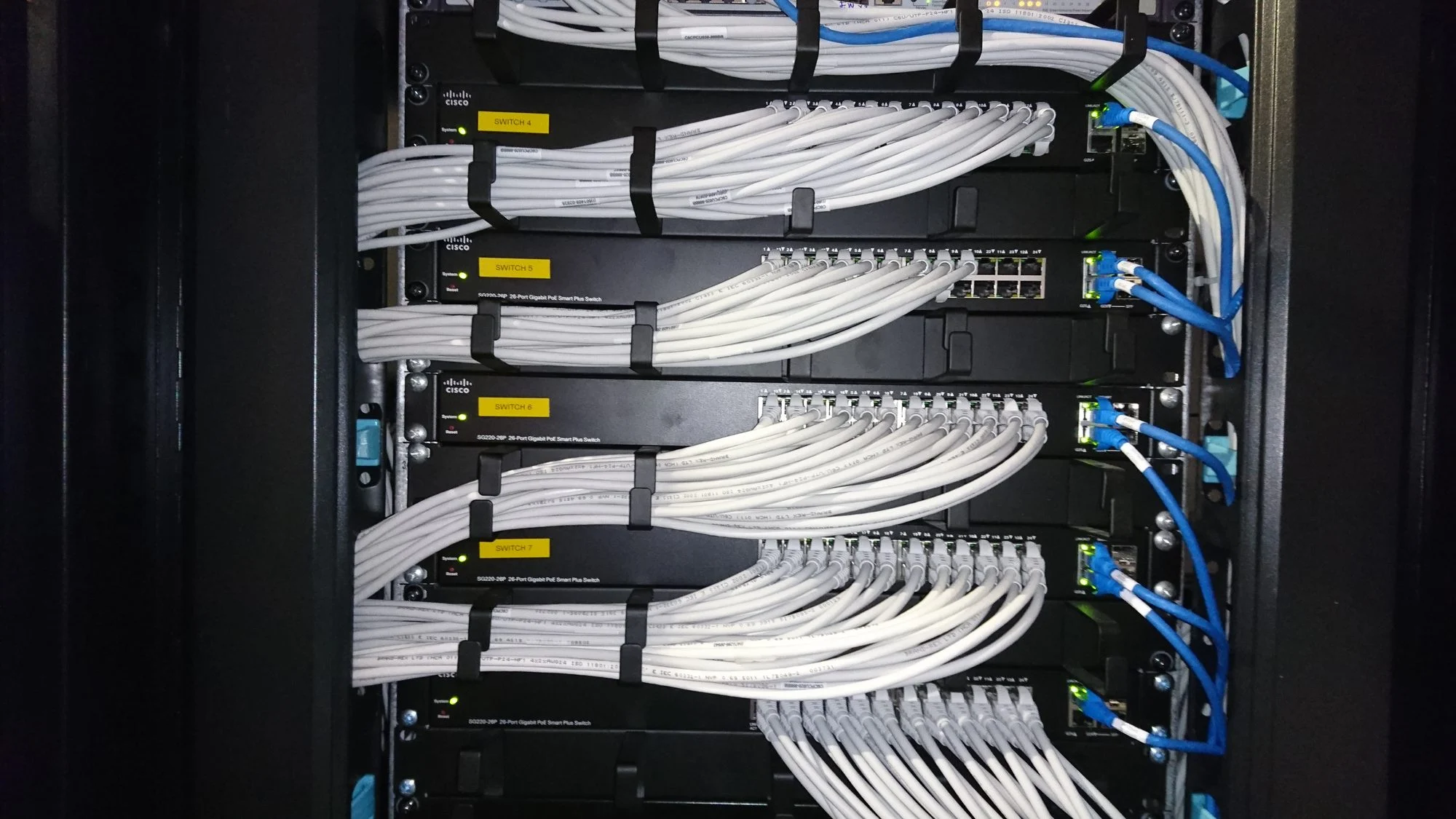
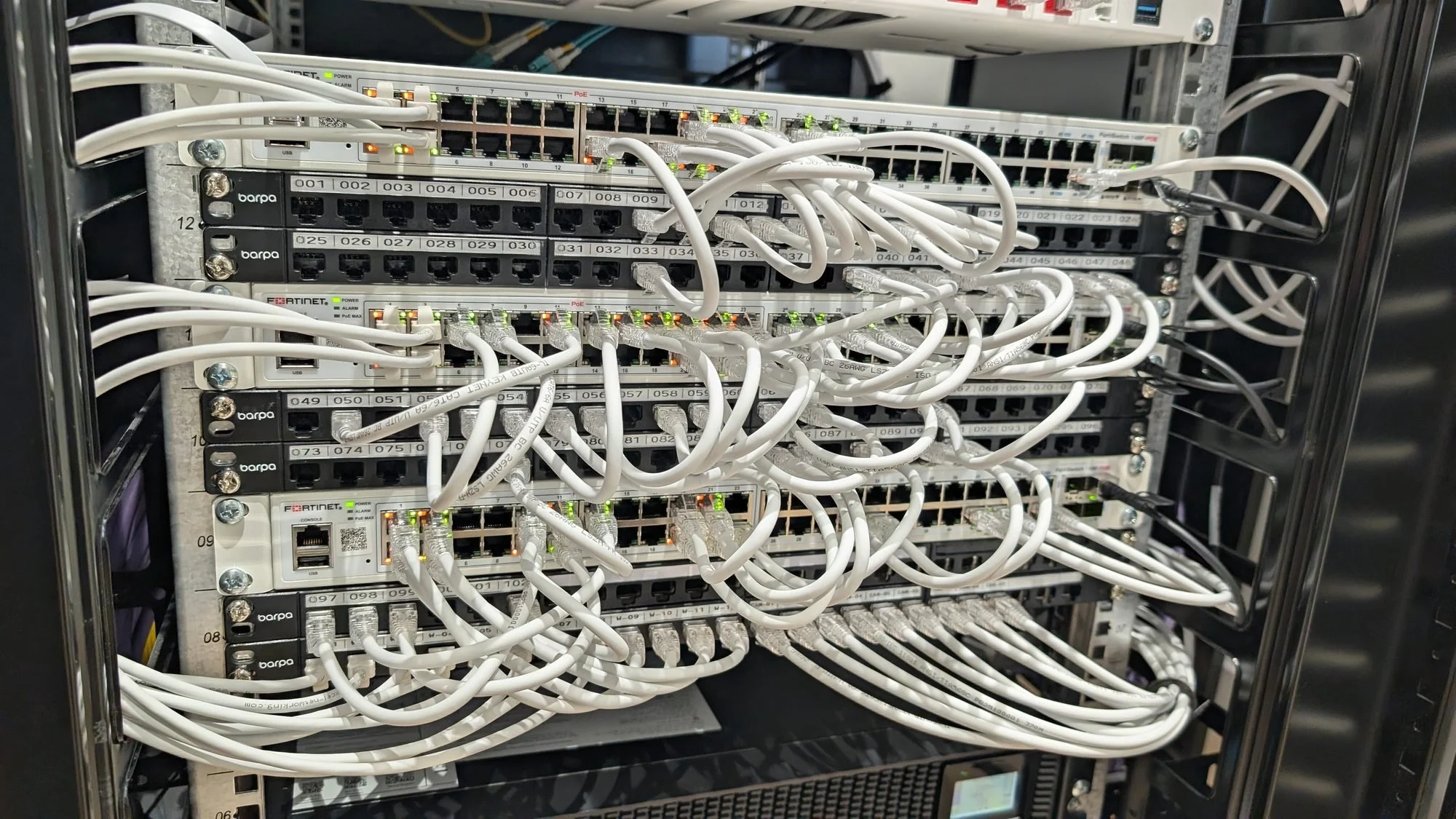
What you move to the cloud depends on how the office gets there. That’s why we start with connectivity: firewall, segmentation and redundant internet with 5G or Starlink backup.
- Firewall with VPN to the cloud
- Redundant internet and automatic failover
- Segmentation in the cloud too
Containers
Infrastructure for your applications
Modern applications don’t always need a full virtual machine. We deploy in-house applications and internal services with Docker, separating applications, databases and services on a reproducible, controlled infrastructure, in the cloud or on-premises.
- Docker
- Reverse proxy
- Databases
- Redis
- Persistent storage
- TLS certificates
- Backups
- Monitoring
Each service in its own container, with its persistent data, its backups and its monitoring: easier to deploy, update and recover.
Backup and business continuity
A copy isn’t a backup if it disappears along with the original system
We keep data separate from the main infrastructure and define the strategy with two parameters:
- RPO · how much data we can afford to lose
- RTO · how long we can be without service
Disaster recovery for critical services
- Local, cloud and external storage backups
- Virtual machine and database backups, with historical retention
- Data replication and alternative infrastructure
- Redundant connectivity to the recovery environment
- Documented recovery procedures
Having backups isn’t enough: you need to know how to restore service, where and how quickly.
Cloud migration
Migrating without interrupting the business
We don’t treat migration as a single leap: where needed, both environments run side by side until the new one is validated.
Inventory
Servers, applications, data, storage and dependencies.
Architecture
Target environment, networks, security and connectivity.
Connectivity
We link the current environment with the new infrastructure.
Migration
Services and data are moved over gradually.
Validation and cutover
Applications, communications, performance and permissions checked before moving production.
Documentation
Architecture, services, addressing, access and procedures.
Cloud and network, in one view
We don’t just know whether the cloud responds
From our NOC we see the server, the VPN, the firewall, the carrier link, the switch and the site the user is connecting from. When a service stops responding, we analyse the whole path between the user and the application.
What you get
The cloud, documented like physical infrastructure
So the infrastructure can be understood, maintained and evolved.
- Architecture diagram, cloud and on-premises
- VPC / VNet, subnets and routing
- VPNs and interconnects
- Services, virtual machines and containers
- Access policies and identities
- Backup strategy with RPO and RTO
- Recovery procedures
FAQ
Which clouds do you work with?
Google Cloud, Amazon Web Services and Microsoft Azure. We choose the platform based on your applications, data and what you already have.
Does everything have to move to the cloud?
No. Often the best answer is a hybrid infrastructure: some in the cloud and some on your own servers, securely connected.
How does the office connect to the cloud?
With an encrypted IPSec VPN from the office firewall or with dedicated interconnects, depending on the traffic and how critical the service is.
Do you deploy applications in containers?
Yes, we have extensive experience with Docker. We deploy in-house applications and internal services in containers, in the cloud or on-premises, with a reverse proxy, TLS certificates, persistent data, backups and monitoring.
Tools
Would your backups survive ransomware?
An attack that gets all the way through encrypts the servers and deletes any backups reachable from the network. See in the simulator what changes when there’s an immutable, isolated backup.
Related services