
When a corporate wireless network underperforms, the usual response is to buy more bandwidth or replace equipment. In our experience, most Wi-Fi performance problems start in the radio design, the configuration or the wired infrastructure behind it, and more bandwidth doesn’t fix them.
This guide sets out the seven causes we find most often in business wireless audits, in the order of our diagnostic process: from the internet breakout down to the end client.
Causes covered
- WAN link saturation or no QoS.
- Designed for coverage, not capacity.
- Access point placement and mounting.
- Co-channel interference and channel planning.
- Wireless repeaters and unmanaged equipment.
- Poor roaming and legacy clients.
- Limits in cabling, uplinks and PoE budget.
First step: isolate where the problem lies
Before touching the wireless network, work out whether the degradation is in the WAN, the wired LAN or the radio segment. The method is simple: measure throughput and latency from a wired device on the same access switch, repeat the measurement over Wi-Fi close to an access point and, finally, in the affected area. For internal measurements, a tool such as iperf against a server on the same LAN takes the internet out of the equation.
- Degraded over cable too: it isn’t a radio problem. Check the WAN (cause 1) or the wired infrastructure (cause 7).
- Fine next to the AP, degraded further away: coverage design or placement (causes 3 and 5).
- Degradation that depends on occupancy or time of day: capacity, airtime or interference (causes 2 and 4).
1. WAN link saturation or no QoS
If the internet link is saturated, users perceive slow Wi-Fi even though the radio segment is working fine. Typical patterns are cloud backups during working hours, mass syncing of file repositories, update rollouts that aren’t staggered and video conferencing traffic competing with everything else without priority. Upload capacity is usually the real bottleneck.
Diagnosis: analyse WAN link utilisation on the perimeter firewall or router (interface graphs and top talkers by application and host). If utilisation nears the limit at peak times, the fix is QoS and shaping policies, scheduling heavy jobs out of hours or a second link with load balancing.
2. Designed for coverage, not capacity
Each radio’s airtime is shared between all associated clients, and every user now brings several devices. A network designed to guarantee signal level across the floor can show full coverage and still degrade as soon as occupancy rises. Coverage and capacity are different design criteria: capacity is sized by user density, application type and the standards the clients support.
Diagnosis: check clients per radio, channel utilisation and retry rate at peak times on the controller or management platform. A very uneven spread of clients, sustained high channel utilisation or degradation that coincides with meetings and training sessions point to a capacity problem.
3. Access point placement and mounting
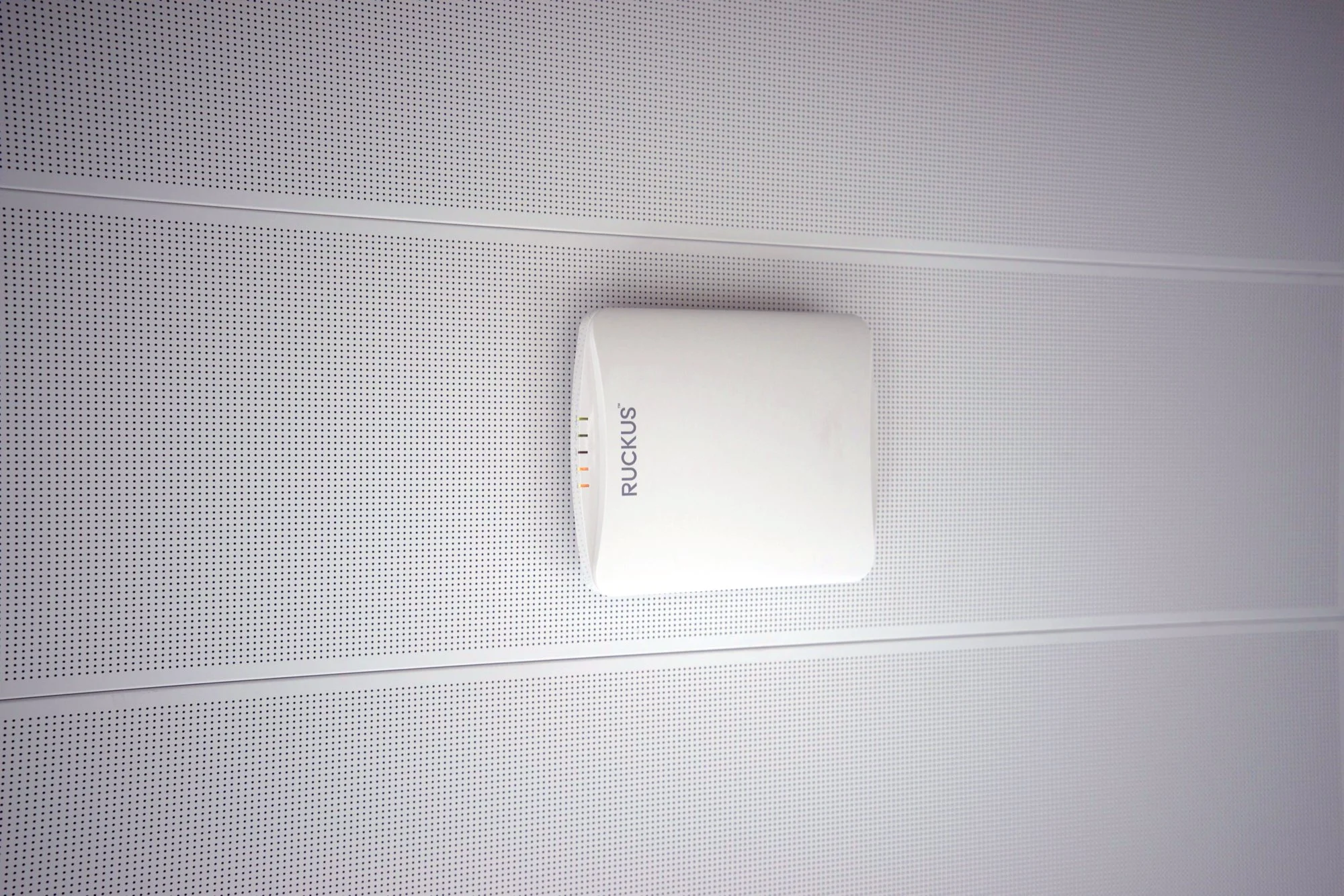
It’s common to find access points mounted above suspended ceilings, inside comms cabinets, behind metal objects or wherever a network socket happened to be rather than where the design put them. Reinforced concrete, metallised glass, lift shafts and metal furniture significantly attenuate and reflect the signal, especially at 5 and 6 GHz.
Diagnosis: compare where the APs really are with the plan and measure coverage (RSSI and SNR) in the affected areas. If the poor areas line up with obstacles or excessive distances, the fix is placement or density. Turning up transmit power doesn’t solve it: it creates asymmetry with the clients and increases interference between cells.
4. Co-channel interference and channel planning
In office buildings it’s common to see dozens of other networks. The 2.4 GHz band has only three non-overlapping channels and in shared buildings it’s practically saturated. At 5 GHz there’s more spectrum, but defaulting to 80 or 160 MHz channel widths reduces the number of usable channels and causes co-channel interference between your own cells and with neighbouring networks.
Diagnosis: run a spectrum analysis or, at the very least, a per-channel network scan. If your own APs share channels with each other or with lots of external networks, replan channels and widths (usually 20 or 40 MHz in dense environments), adjust power and steer clients to 5 GHz or 6 GHz (Wi-Fi 6E and Wi-Fi 7) rather than 2.4 GHz.
5. Wireless repeaters and unmanaged equipment
Successive add-ons without a common design tend to end up as topologies with repeaters, consumer mesh systems, the carrier router’s Wi-Fi running in parallel and several independent SSIDs. Every wireless hop eats backhaul airtime and cuts usable throughput, and without central management channels, power and roaming can’t be coordinated.
Diagnosis: inventory every device transmitting on site and identify the wireless backhaul links. The right architecture is professional access points with wired backhaul, managed from a controller or cloud platform, with a small number of SSIDs.
6. Poor roaming and legacy clients
Clients that only support old standards transmit at low rates and hold the channel for longer, penalising every user on that radio. On top of that come clients that don’t roam (sticky clients): they stay associated with a distant AP on minimal signal even when there’s a much closer one. The client decides when to roam, but the network can make it easier.
Diagnosis: on the controller, identify clients with low RSSI associated with distant APs and clients with low connection rates. The usual measures are raising the minimum basic rates, disabling legacy rates, enabling 802.11k/v/r where clients support it and checking drivers and power-saving policies on the affected devices.
7. Limits in cabling, uplinks and PoE budget
A latest-generation access point can comfortably exceed a gigabit in aggregate, but its performance is capped by the infrastructure behind it. Damaged cabling, poor terminations or too low a category make the link negotiate at 100 Mb/s or throw interface errors. An insufficient PoE budget can make the AP boot with reduced features, such as radios or spatial streams disabled. And uplinks between access and distribution can saturate if they weren’t sized properly.
Diagnosis: check the negotiated speed, error counters (CRC, discards) on each AP port and PoE draw against the available budget on the switch. On the management platform, check whether any AP is running in reduced power mode. Any AP at 100 Mb/s needs its link verified or certified.
Think before you spend
Replacing equipment or adding bandwidth without finding the root cause usually moves the problem rather than solving it. A structured diagnosis directs the spend to whatever is really limiting performance.
When specialist help is needed
When the cause is design (capacity, placement or RF planning), the only reliable way to solve it is to measure. In a Wi-Fi coverage and capacity survey we take on-site measurements with professional equipment, analyse the spectrum and deliver a design with the number, placement and configuration of access points before anything is installed.
If the limit is in the physical infrastructure, we fix it with certified structured cabling. And to catch degradation before users feel it, network monitoring alerts on saturated radios, interface errors or links negotiating below their capacity.
For a first view of the overall state of your infrastructure, you can use our network self-assessment: twelve checks we review at the start of any audit.