Room booking
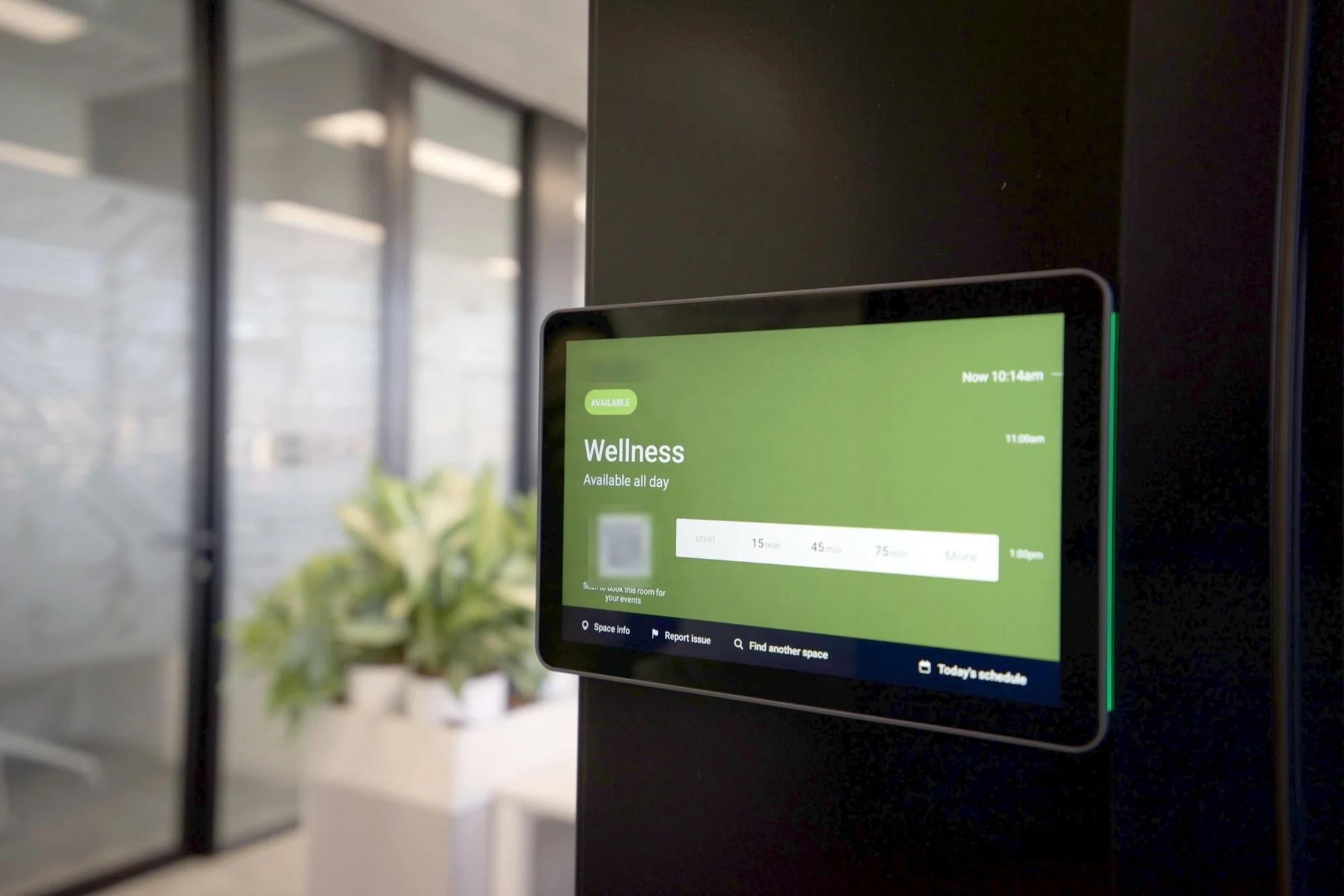
Smart management of meeting spaces: a panel at every room door, synced with Microsoft 365 or Google Workspace and integrated with the room’s network, PoE and AV.
Diagnosis
No more rooms taken by surprise
What we find
What we do
Nobody knows if the room is free
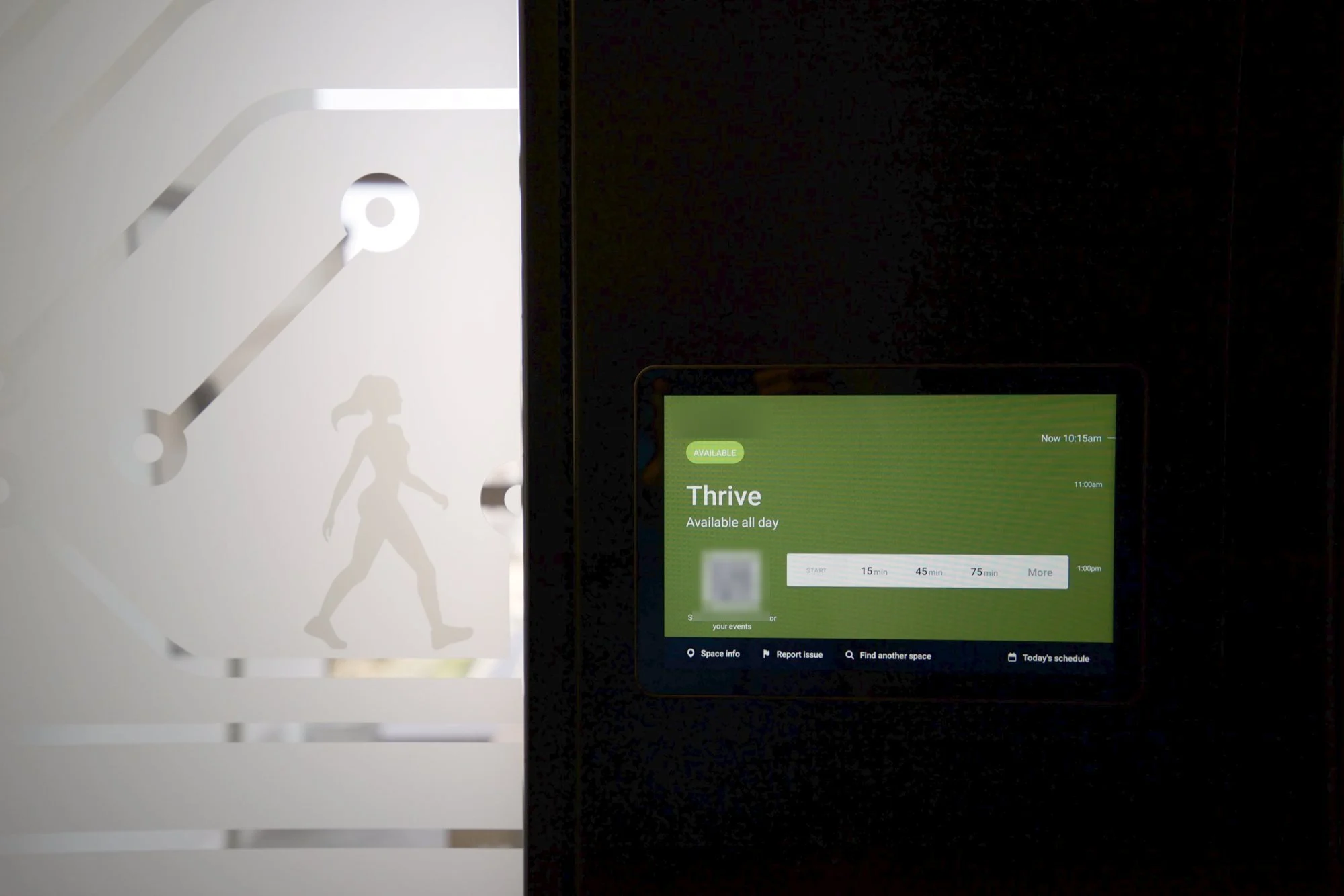
A panel at the door showing the room’s status.
Booking means opening your laptop
Book from your phone or the panel itself.
Every room does its own thing
Bookings in the company calendar, alongside the room’s kit.
What we do
Everything in sync
The system connects everything involved in a meeting, so the information is the same in the calendar, on your phone and at the door.
- Room
- Panel
- Calendar
- Video conferencing
- User
Corporate calendar
Bookings are managed from the tools people already use.
Room panels
In real time: free, busy or with a meeting about to start.
Instant booking
If the room is free, book it straight from the panel when you arrive.
Book from your phone
Or from your computer, in the usual calendar.
Integrated with video conferencing
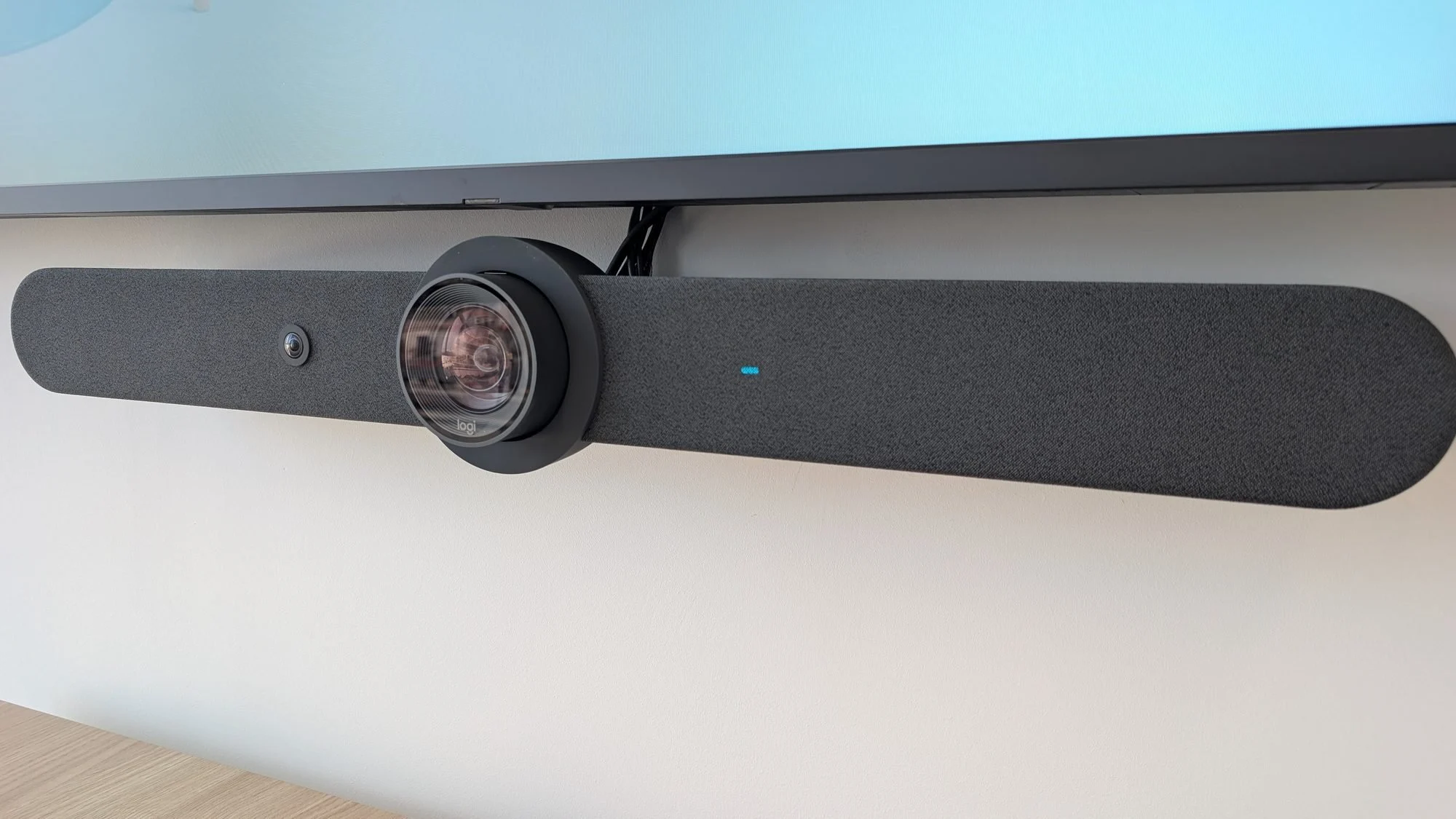
Booking goes hand in hand with the AV kit installed in each room.
Central management
All rooms are managed as part of the same infrastructure.
Calendar platforms
Microsoft 365 and Google Workspace
We integrate booking with corporate calendar platforms, with users, resources and rooms in sync. People book from their usual tools and the door shows the same information.
Microsoft 365
- Outlook / Microsoft 365
- Room
- Panel
Google Workspace
- Google Calendar
- Room
- Panel
The complete solution
Much more than a panel at the door
Room booking is part of the workplace’s technology infrastructure.
With several rooms, we standardise the system so they all work the same way: users check availability in the calendar, book from their computer or phone and see the status at the door. For IT, every room is part of one centralised, manageable environment.
- Resources and calendars configured
- Booking panels
- Integration with Microsoft 365 or Google Workspace
- Network and connectivity
- PoE power
- Installation and cabling
- Permissions
- AV integration
- Commissioning and documentation
Case study
Corporate offices: 10 rooms, one system
We rolled out booking together with the AV infrastructure for their 10 rooms: each with a booking panel, the corporate calendar, Logitech video conferencing and professional displays, and the same experience in all of them.
- Booking
- Room access
- Video conferencing
Rooms
10
Panel
At every door
Video conferencing
Logitech video conferencing
Design
One system
Projects
Where we’ve installed it
FAQ
Do we have to change the calendar we use?
No. We integrate the panels with Microsoft 365 / Outlook or with Google Workspace / Calendar: people keep booking from their usual tools and the panel shows the same information.
Related services